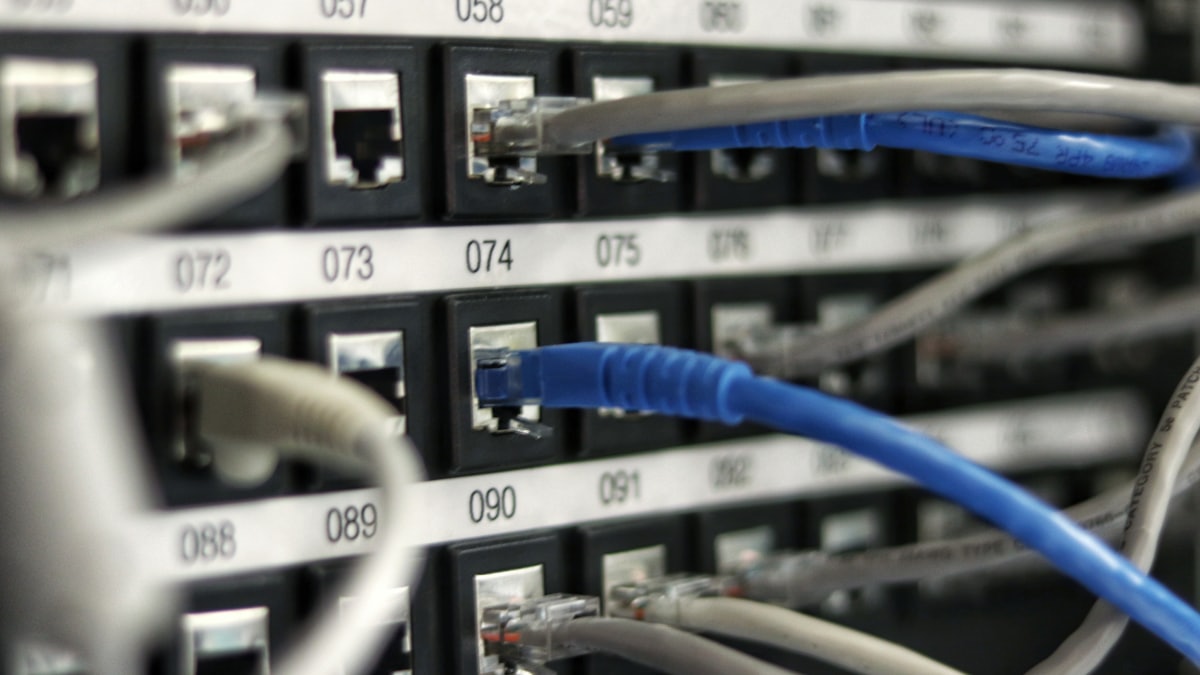
Monitoring and Alerts: Know Before Your Customers Do
The difference between a five-minute outage and a five-hour one is usually whether anyone was watching. Here's how to set up monitoring that actually helps.
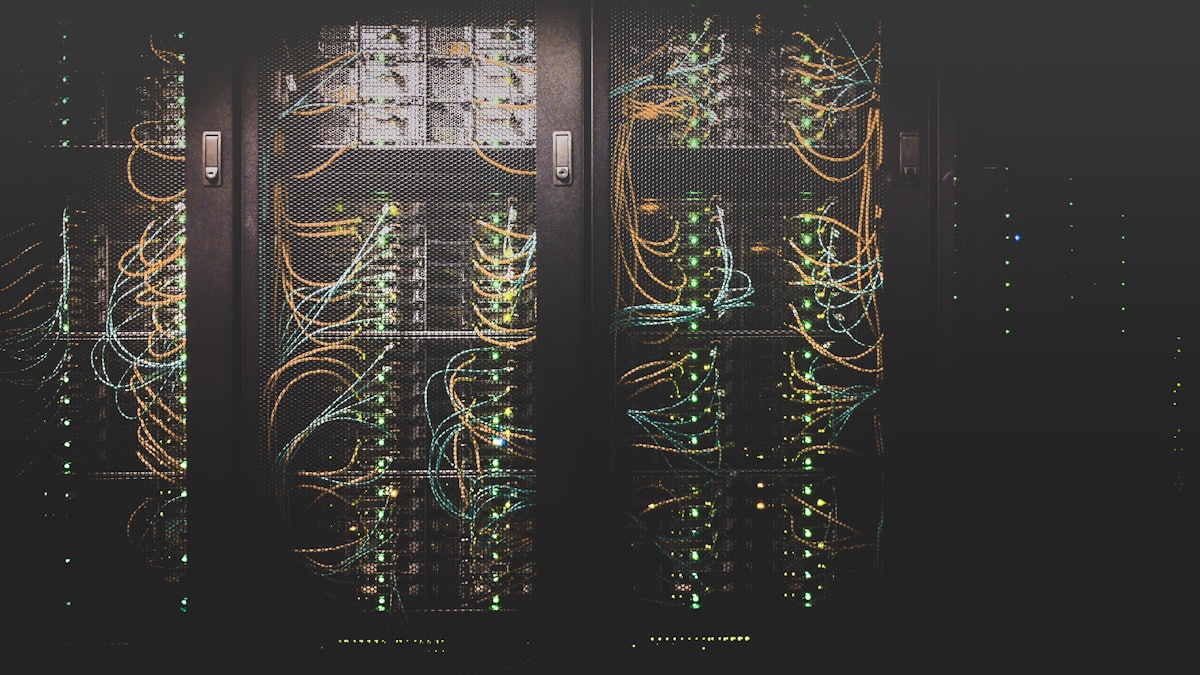
There's a specific, uncomfortable moment every growing business eventually experiences: a customer emails to say the site is down, and it turns out it's been down for two hours and nobody noticed. Monitoring exists to make sure that moment never happens — or at least, that when something breaks, your team hears about it before your customers do.
It's easy to treat monitoring as something you'll set up "once things get bigger," but the cost of skipping it isn't proportional to your size — a small business with no monitoring can lose a full day of sales to an outage just as easily as a large one, and often has less margin to absorb it.
The layers worth monitoring
Monitoring isn't one thing; it's a stack of checks operating at different levels, each catching problems the others miss.
- Uptime and availability. The most basic layer — is the site or app reachable at all, from multiple geographic locations, at a regular interval.
- Performance. Page load times, API response times, and database query duration. A site that's technically "up" but painfully slow is still failing your users.
- Error rates. Application-level error tracking that catches exceptions, failed transactions, and broken flows that a simple uptime check would never notice.
- Infrastructure health. CPU, memory, disk space, and network metrics on the servers or services powering the product — the early warning signs that precede an outright outage.
- Business-level signals. Checkout completion rate, signup conversion, or any metric where a sudden drop suggests something is broken even if every technical check is green.
Alerting is a design problem, not a checkbox
Setting up alerts is easy. Setting up alerts that people actually respond to, rather than mute after the third false alarm, is the harder and more valuable part.
- Alert on symptoms, not just causes. "Checkout success rate dropped 40% in the last 10 minutes" matters more immediately than "CPU usage is at 85%," even though the second might be the root cause.
- Tune thresholds deliberately. Too sensitive, and the team learns to ignore alerts. Too loose, and real problems slip through. Expect to adjust thresholds after the first few real incidents.
- Route by severity. A critical outage alert should page someone immediately; a minor anomaly can wait for a daily digest. Treating every alert as equally urgent guarantees alert fatigue.
- Make alerts actionable. A useful alert tells the responder what's wrong and where to look, not just that something, somewhere, is off.
Building a lightweight incident response habit
Monitoring without a response process just produces a log of ignored notifications. Even a small team benefits from:
- A clear, known owner for "who responds when something fires," even if it rotates informally
- A short written runbook for the most common failure modes (server down, database connection lost, third-party API failing)
- A brief post-incident note after anything significant — what happened, what fixed it, what would catch it faster next time
Tooling without the overwhelm
You don't need an enterprise observability platform on day one. A combination of an external uptime checker, basic application error tracking, and your cloud provider's built-in infrastructure metrics covers most small and mid-sized products adequately. As the system grows, that stack can evolve into more sophisticated tracing and dashboards — this progressive build-out is a normal part of ongoing cloud and DevOps work, not something that needs to be solved perfectly on day one.
Where to go from here
Good monitoring is invisible when things are working and invaluable the moment they aren't. The goal isn't zero incidents — it's catching and resolving them faster than your customers notice.
If you'd like a second pair of eyes on this, tell us what you're building — we reply within one business day.